
Fill More Seats with Smart Reservations
Manage bookings, waitlists, and table assignments from one screen. Automate SMS/email reminders to reduce no-shows, and use a visual floor plan to seat parties faster. Works perfectly with POS and QR ordering.
Activate Smart Reservations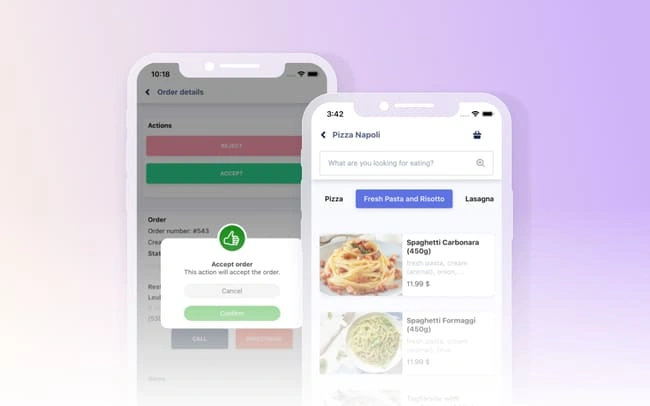
Features
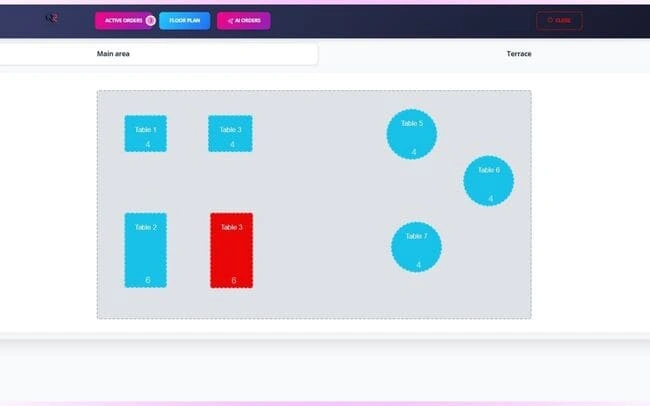
Visual Floor Plan & Table Control
Drag-and-drop tables, track status, merge/split, and seat faster during peak hours.
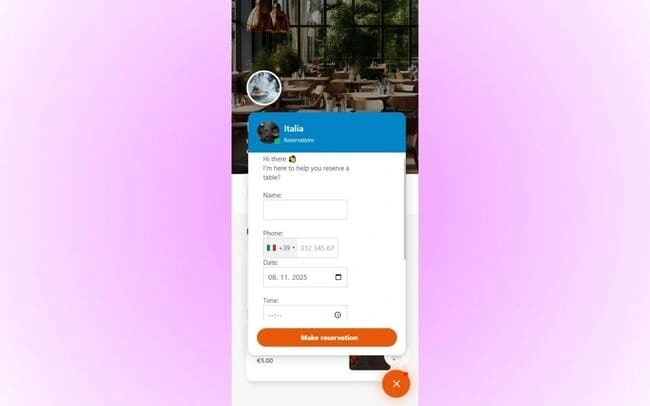
Automated Reminders & Confirmations
Cut no-shows with SMS/email confirmations and smart follow-ups.
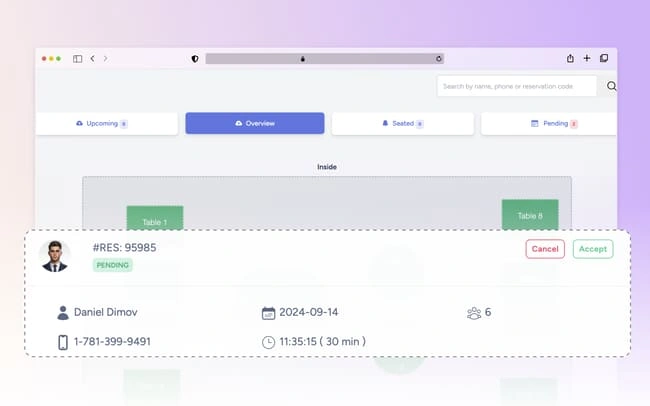
Smart Waitlist with ETA
Quote accurate wait times and notify guests automatically when a table is ready.
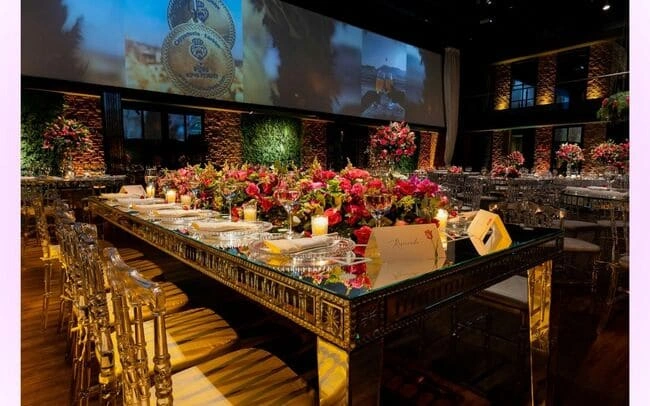
Group & Event Booking
Manage large parties, deposits, and special layouts without chaos.
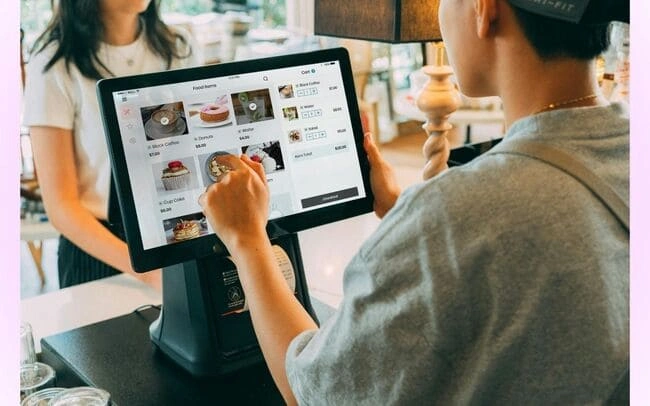
POS & Online Ordering Sync
Coordinate seating with order flow to balance kitchen load and service speed.

Analytics & Demand Forecasting
See peak times, average party sizes, and staffing needs based on real data.
How It Works
Add Your Floor Plan
Create zones, tables, and capacities.
Enable Reminders
Turn on SMS/email confirmations and follow-ups.
Seat & Optimize
Use live status to turn tables faster.
Review Insights
Forecast demand and staff accordingly.
What Users Say
““No-shows dropped by half with reminders.””
““The waitlist keeps guests happy and informed.””
““Floor plan view makes service smooth.””
Frequently Asked Questions
Can I design my own floor plan?
Yes. Build custom layouts with tables, zones, and capacities.
How do reminders reduce no-shows?
Guests confirm via SMS/email; auto-cancel frees tables for the waitlist.
Does it integrate with POS and ordering?
Yes. Reservations sync with orders to balance the kitchen and service.
Can I handle groups and events?
Absolutely. Set deposits, time blocks, and special layouts.
Is there a public booking link?
Yes. Share a branded booking page or connect to your website.
Check out other features
Explore more tools that work great together
Book More, No-Show Less
Start using smart reservations and optimize table turns.
Get Started